Tap, Pay, Go: Inside Contactless Payments at the Checkout

Today we dive into how contactless payments and NFC work at the checkout, translating complex radio protocols and payment rules into friendly, practical insights. You will learn what happens from the instant your card, phone, or watch approaches the reader, why security remains strong without extra friction, and how merchants keep queues moving. Bring your curiosities, share your experiences, and get ready to tap with confidence in every store, transit gate, and café.

The NFC Magic Behind a Quick Tap

How Two Antennas Start a Conversation

The reader’s coil emits an alternating field; when your card’s or phone’s antenna enters, it couples magnetically and draws power. The terminal then modulates the field to send bits, while the card answers by subtly loading the field, creating detectable ripples. Anti-collision rules let one card speak at a time, avoiding chaos in wallets or crowded lanyards. Alignment, distance, and even phone cases influence coupling strength and speed, shaping a smooth, reliable exchange.

Standards That Keep Everything Compatible

Compatibility comes from layered standards: ISO/IEC 14443 defines proximity cards and the radio handshake, NFC Forum adds device behavior and data formats, and EMVCo certifies contactless payment kernels that understand brand-specific rules. Whether you tap a Visa, Mastercard, Amex, or a transit card, these layers ensure the same structured dialogue. Certification labs pound terminals with tests so interactions remain predictable, preventing mysterious failures and giving shoppers confidence that a simple tap will just work.

Card Emulation in Phones and Wearables

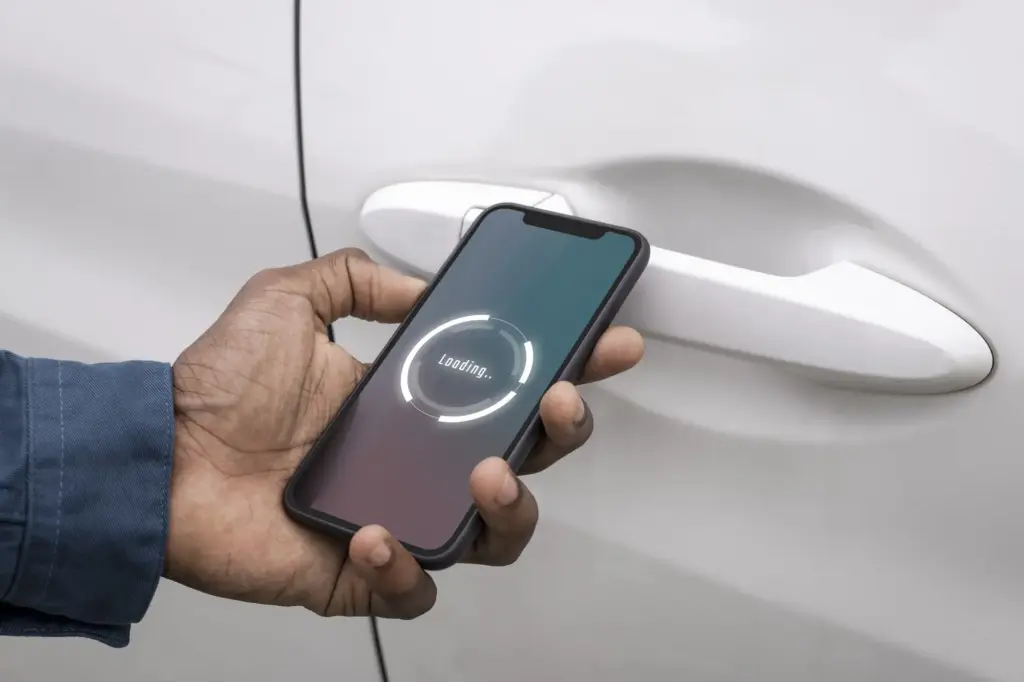
Phones and wearables mimic a contactless card using secure hardware known as a Secure Element or carefully protected software called Host Card Emulation. During provisioning, networks issue a tokenized number mapped to your real account, so the device never shares the original. Biometric checks gate access, and cryptographic keys sign each transaction. Even when a phone is offline briefly, risk controls and dynamic data preserve safety, allowing that effortless wrist twist or tap to feel magically instant.

Security You Don't See, Protections You Feel

Contactless security layers are intentionally invisible, replacing static numbers with per-transaction cryptograms and device-specific tokens. If someone brushed past you with a scanner, distance limits, unpredictable data, and cardholder verification defeat opportunistic attempts. Lose a card, and quick issuer controls cap exposure with limits, alerts, and rapid reissuance. On phones and watches, biometrics replace PIN entry at the reader, reducing shoulder-surfing risks. Together, these quiet guardians keep payments fast while respecting privacy, integrity, and accountability.

A Tap’s Timeline: Milliseconds That Move Money
In roughly three hundred milliseconds, lots happens. The reader polls, your card responds, applications are chosen, and records are exchanged. The card or device calculates a cryptogram, the terminal packages details, and the acquirer sends an authorization to the network and issuer. A response returns with approval or decline, and the receipt prints. Later, the merchant’s batch settles funds. Understanding this rhythm helps troubleshoot issues and explains why brief pauses or retries occasionally appear.

From Field Detection to App Selection
The reader begins by broadcasting and listening for cards, resolving card clashes if multiple are present. Once your card’s identifier is stable, the terminal selects the Proximity Payment System Environment, then chooses an Application Identifier like Visa, Mastercard, or Amex. Parameters such as currency, risk settings, and terminal capabilities are exchanged. This discovery phase sets expectations for offline versus online processing, limits, and verification methods, determining how the rest of the conversation will flow.

Cryptograms, Tokens, and the Network Hop

With context agreed, the card generates a cryptogram using secret keys and unpredictable numbers. Tokenized device accounts substitute for the original PAN, enhancing privacy. The terminal forwards everything to the acquirer, who routes it through the appropriate network to the issuer. Fraud models score the request within milliseconds, considering merchant category, device type, and prior behavior. A concise response returns, instructing approve or decline, sometimes with advice to capture signature, request PIN, or retry differently.

Cards, Phones, and Watches: Same Gesture, Different Paths

The gesture looks identical, yet the internals differ. Plastic cards carry permanent account numbers and rely on the issuer to change rules when needed. Phones and watches hold tokens mapped to originals, refreshable without reprinting anything. Wearables balance battery life with convenience, sometimes using passive chips, sometimes tiny secure elements. Across them all, payment brands harmonize behavior so checkout remains familiar. Knowing the differences helps choose what to carry and how to troubleshoot hiccups.

At the Checkout: Terminals, Readers, and Routing Decisions

On the merchant side, the terminal coordinates the dance, waking the contactless reader, enforcing local rules, and packaging data for the processor. EMV kernels guide each brand’s logic, while acquirers and gateways pass messages across well-traveled networks. Merchants may influence routing, especially for debit in some countries, choosing paths that balance cost and acceptance. Environmental factors—from metal counters to power noise—affect reader performance, so placement, configuration, and maintenance play real roles in fast, frustration-free lines.

Troubleshooting Taps and Improving Success Rates

When the Terminal Says Try Again

Interference and alignment commonly cause retries. Large phone cases, metal counters, and crowded wallets weaken coupling. Ask customers to bring the device closer, rotate ninety degrees, or tap the logo directly. If a card within a phone case confuses detection, remove it temporarily. Sudden power dips can also interrupt exchanges; a dedicated outlet or UPS helps. Track retry rates by lane to spot hardware drift early, then recalibrate or replace affected readers before queues suffer.

Handling Declines Without Awkwardness

A friendly script calms tension: acknowledge the inconvenience, suggest a second tap, then offer chip insertion or another card. For wallets, confirm recent biometric unlock. Avoid blaming the customer; many declines stem from issuer rules, not behavior. Provide clear receipts or notifications, and reassure that no duplicate charge occurs after a failed authorization. Note times and amounts to help support teams investigate patterns. Invite customers to share device models privately, which often reveals solvable compatibility quirks.

Make Your Store Tap-Friendly

Place readers within easy reach, slightly angled to reduce glare and improve antenna alignment. Display the contactless symbol prominently and keep the reader awake during peak times. Train staff to point at the logo and coach quick, confident taps. Maintain clean firmware and documented fallback procedures. Offer Wi-Fi for wallets needing data after provisioning. Finally, encourage feedback through short surveys or email replies, and subscribe to our updates so your lanes stay fast, modern, and delightful.

Dexotorapiralaxitari
Privacy Overview

This website uses cookies so that we can provide you with the best user experience possible. Cookie information is stored in your browser and performs functions such as recognising you when you return to our website and helping our team to understand which sections of the website you find most interesting and useful.